Below is a simple walkthrough of what happens during a call. Minimal technical terms, but detailed enough to understand what you’re paying for and where the value for a sales team comes from.
Step 1. The customer dials your number
They call your landline, mobile, or multi-line business number-on the outside it feels like a normal call.
Step 2. The call enters your company system
Inside the company, the call is handled by an IP PBX (cloud-based or on-premise). It “knows” where to send the request: sales, support, a specific rep, or a queue.
Step 3. The system selects the right route
If routing rules are set up (business hours, departments, queues, priorities), the call is distributed automatically-to an available rep, the account owner, or the right specialist.
Step 4. The rep answers from a convenient device
The employee can pick up on a desk IP phone, a computer app, or a smartphone-while the company number remains the same.
Step 5. The conversation is captured and stored
At the same time, the system can start call recording, tag the source, and save the phone number and call duration. This turns calls into a manageable process instead of a “black box.”
Step 6. Data is sent to the CRM (if integrated)
After the call, details are automatically linked to the customer record: communication history, recordings, statuses, and notes-no manual duplication needed.
Step 7. The manager gets analytics and quality visibility
Reports show how many calls were answered/missed, speed of response, workload distribution, where conversion drops-and what exactly needs improvement.
Text diagram (how it looks “inside”):
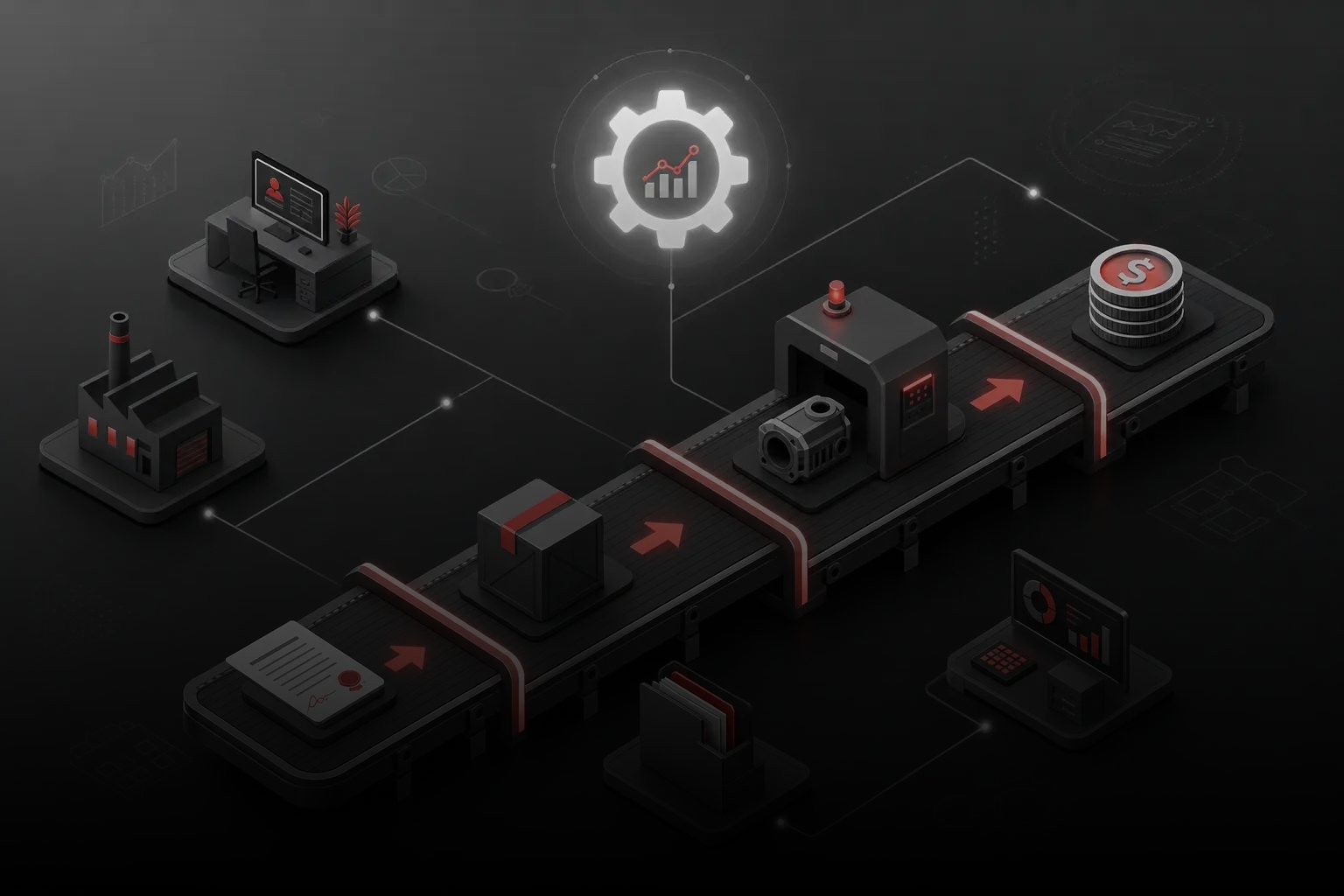
Customer → Company number → IP PBX → (rules/queue/routing) → Rep (desk phone/PC/mobile) → Recording + analytics → CRM (history, outcomes)
That’s how IP telephony combines “just calling” with sales management in one system: familiar for the customer, transparent and measurable for the business.


 Time to read: 9 min.
 03 October 2025