Key Takeaways
- B2B sales require tracking multiple contacts within one company, each influencing the decision, without clear role documentation managers waste time on the wrong people.
- Standard three-stage funnel breaks in B2B, real cycle includes qualification, technical discussion, pilots, legal coordination and can stretch for months.
- Companies lose more often not due to bad products, but because of forgotten follow-up calls and missed touchpoints, CRM for B2B sales should work as a personal assistant with reminders.
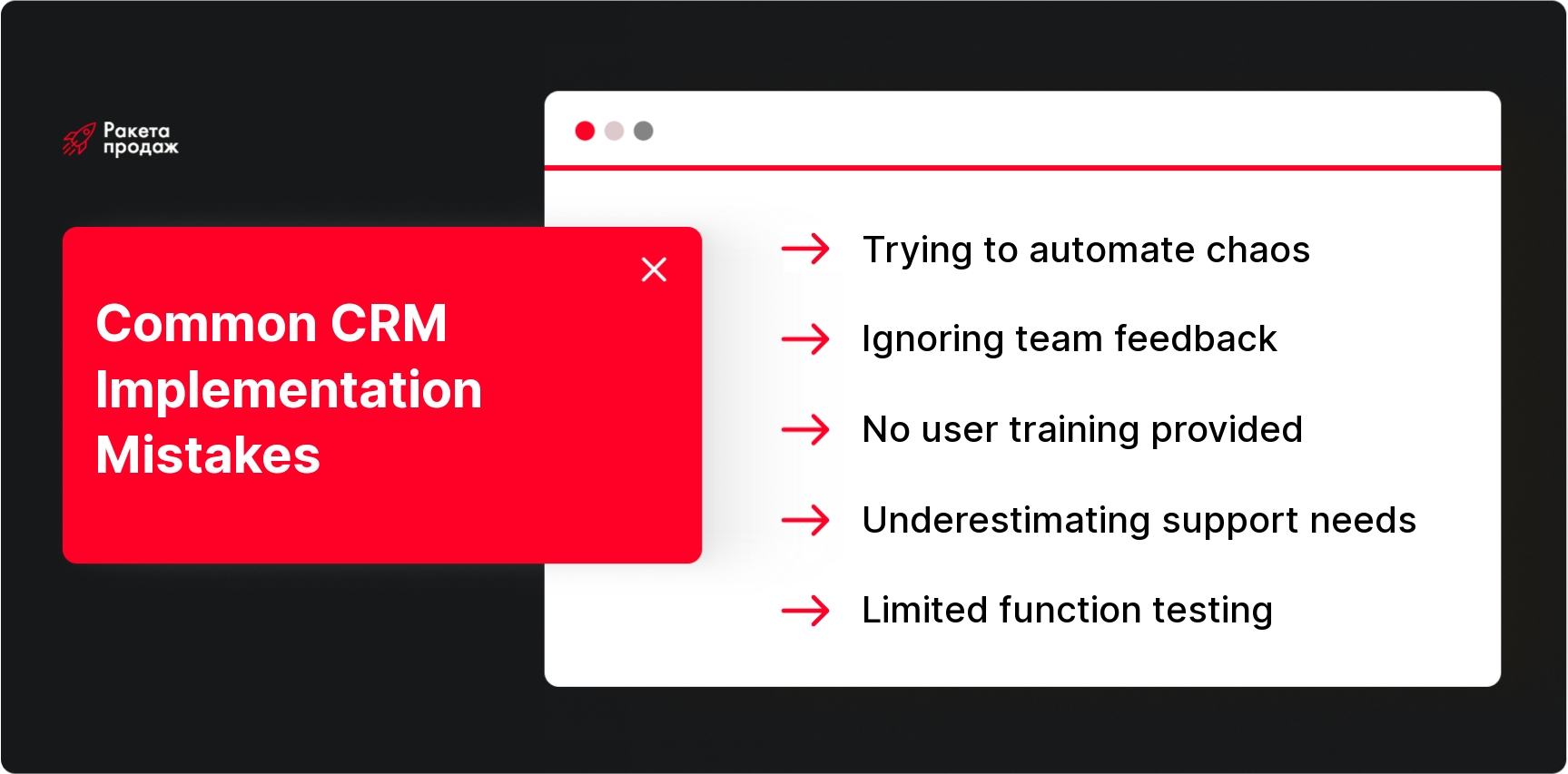
- Attempting to automate chaos instead of organizing processes is the main implementation mistake, without clear processes CRM turns into an expensive notebook.
- Team resistance kills projects, if managers aren’t involved in selection and don’t see benefits for themselves, they bypass the system and duplicate data in Excel.
In the article below you’ll see specific functions that are critical for B2B sales, and a step-by-step algorithm for choosing a system for your business. Read the full article 👇
Therefore, CRM systems for B2B must work not just as a digital notebook, but as an operating system for the sales department. It helps managers handle multi-stage deals, not lose tasks in negotiation chaos, control every funnel step and see the real picture across all directions. This article’s goal is to understand which CRM for B2B sales functions are truly critical for B2B companies, and which can wait for better times.
How much time does your team spend searching for client information in correspondence, trying to remember negotiation details from three months ago, or restoring deal context after a manager’s vacation? Statistics show that inefficient client data organization eats up to 40% of B2B managers’ working time.
At “Rocket Sales” we systematically solve these problems through proper CRM systems for B2B implementation. Over 8+ years of work, we’ve helped 208 companies build sales departments that work like clockwork. Our approach includes full audit of existing processes, selection and setup of CRM for B2B sales tailored to your business specifics, integration with all necessary services, and team training for effective system work. As implementation results, our clients achieve average revenue growth of +35%, and in individual projects – up to +$10,907,403 in 4 months of work. The system stops being a headache and becomes the main tool for sales control and growth.
Transform B2B sales chaos into a managed growth system – get a free audit of your sales department effectiveness!
B2B Sales Features and CRM Requirements
The B2B segment operates by completely different rules. If in B2C a buyer makes decisions in minutes, corporate clients can consider purchases for months. The process involves a financial director, IT department, relevant department head, and a couple more people who “just want to take a look.” Everyone needs value explained in their language, everyone can veto the deal.
Classic B2C solutions simply don’t work here. They’re created for mass sales with simple funnels and quick decisions. In B2B you need to track communications with five contacts, remember specific client requirements, manage customized proposals, and not forget follow-up calls. Therefore B2B CRM system require a special approach – the cost of service mistakes can be not just one deal, but long-term relationships with a key account. That’s why analytics, setup flexibility, ability to integrate with dozens of other systems, and personalization for each company’s business process are critical here.
Key CRM Functions for B2B
Now let’s examine specific tools without which B2B sales turn into chaotic improvisation instead of a managed process.
Function 1. Managing Companies, Contacts and Related Persons
In B2B you don’t sell to John Smith, but to “Lineup-Invest LLC,” where John Smith is just one process participant. Therefore CRM system for B2B must allow creating company cards with all branches, departments and key employees. One company might have an economist who counts budgets, an IT director who evaluates technical aspects, and a general manager who makes final decisions.
Without clear understanding of each participant’s role, managers waste time on wrong people. CRM for B2B sales must record who’s an influencer, who’s a user, who holds the wallet, and who can simply block the deal. Communication history with each contact, their relationships with each other, positions and responsibilities – all this helps build proper sales strategy. This is especially important for complex sales where decisions are made collectively, and managers must “close” all process participants.
Function 2. Customizable Sales Funnel
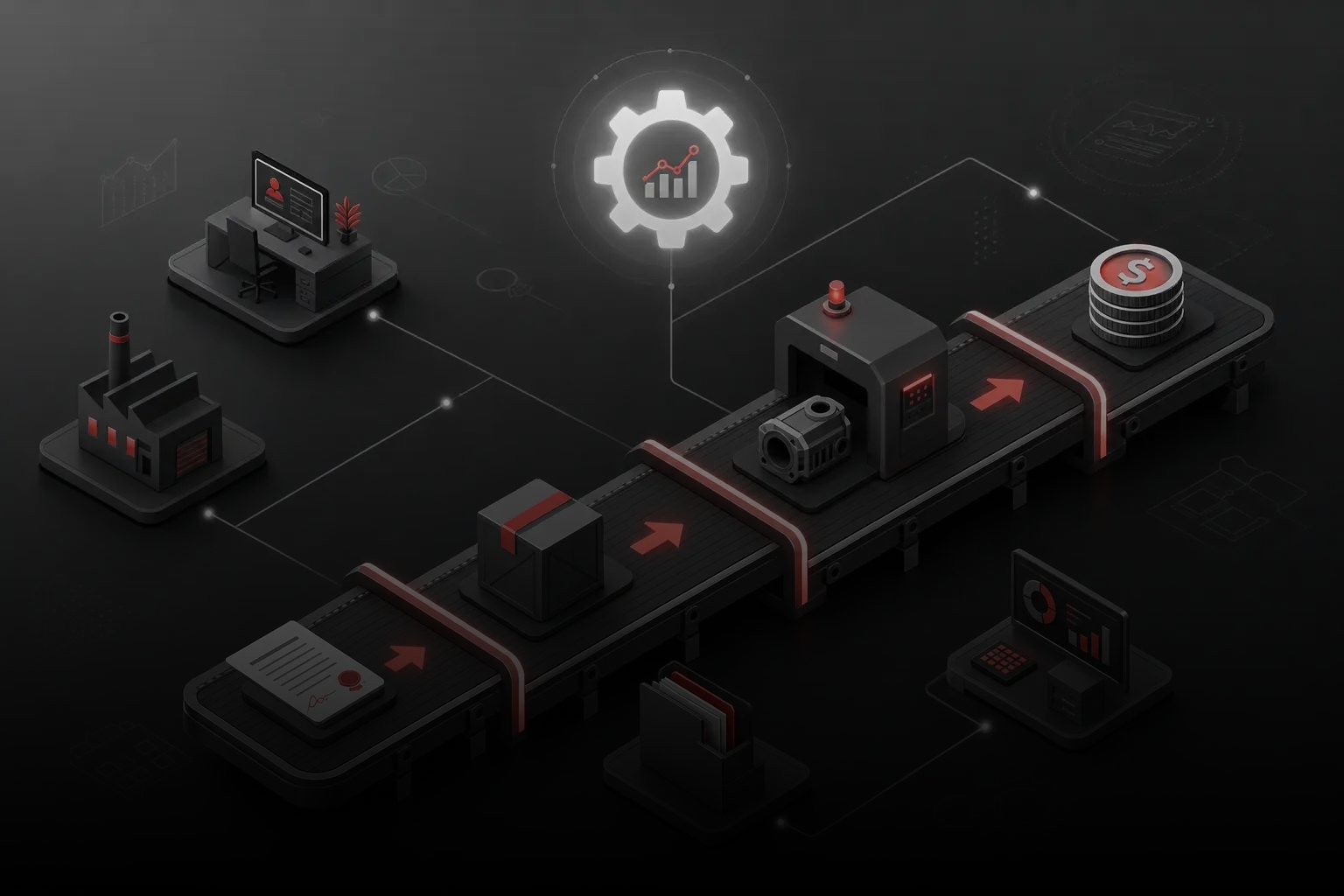
The standard “lead – presentation – payment” funnel works for B2B about as well as a hammer works for a clock mechanism. The B2B process includes needs qualification, technical discussion, pilot implementations, commercial negotiations, legal coordination, contract signing and post-sales support. Each stage can last weeks.
CRM must allow funnel customization for the company’s real process, critically important is the ability to set up multiple funnels and build automations between them. Very roughly for IT services this might be “Discovery – Tech Proposal – Pilot – Contract,” for wholesale sales – “Qualification – Price – Coordination – Shipment.” It’s important that the system adapts to business, not forces complex B2B sales into a primitive scheme. Customizable stages, automatic tasks for stage transitions, and flexible conversion reporting are the foundation of managed sales. When analyzing effectiveness, sales funnel analysis is used, which helps identify bottlenecks and increase conversion at key stages.
Function 3. Task Control and Follow-up
A B2B deal is a marathon, not a sprint. Today the client requests a technical proposal, in a week you need to call about clarifications, in a month – remind about the decision. Without a task control system, managers inevitably forget something, especially when working with 20-30 active deals.
CRM for B2B sales should work as a personal assistant: create reminders, show overdue activities, automatically set tasks when deal stages change. If a client doesn’t respond to a commercial proposal for two weeks – the system should remind about a follow-up call. If a contract is stuck in legal coordination – notify the manager about the need for a “ping.” In B2B, losses often occur not due to bad products, but because of forgotten touchpoints and missed opportunities.
Function 4. Commercial Proposals, Contracts and Documents
B2B lives on documents. Commercial proposals, specifications, price lists, contracts, work completion certificates – without this paper flow, deals don’t happen. CRM must not just store files, but help work with them: track proposal versions, remind about document approvals, show contract status.
For wholesale sales, it’s critical that CRM system for wholesale sales helps form personalized proposals with different conditions for different clients. One buyer works with prepayment and gets maximum discount, another – on deferred payment at base prices. CRM should help managers quickly prepare correct proposals and not mix up conditions. Storing all documents in deal cards, necessary action notifications, and deadline control turn document flow chaos into a managed process.
Function 5. Client Communication History
In B2B, client relationships are built over months and years. During this time, enormous context accumulates: discussed conditions, made decisions, contact persons’ personal preferences, problem history and their solutions. If all this information lives only in the manager’s head, the company becomes hostage to a specific employee.
CRM must record all communication history: calls with conversation recordings, email correspondence, messenger messages, meeting notes, sent documents and reached agreements. When a manager goes on vacation or quits, their deals can be transferred to colleagues without losing context. The client receives the same service level, and the company preserves accumulated expertise. This is especially important for long-term projects where changing the responsible person can destroy relationships with a key account.
Function 6. Integration with Email, Telephony and Messengers
B2B clients communicate through all available channels: call, write emails, send messages via Telegram, fill forms on websites, connect through LinkedIn. CRM for B2B sales should collect all these communications into a single feed so managers see the complete client communication picture.
IP telephony integration automatically logs calls, links them to client cards, and saves conversation recordings. Corporate email connection pulls all correspondence into CRM. Messenger connections allow responding to clients directly from the system. For management, this means ability to control response speed, communication quality, and see which channels bring the highest quality leads. Without integrations, CRM turns into an isolated island, while real work happens in dozens of different programs.
Function 7. Client Segmentation and Repeat Sales Work
In B2B, new clients are just the tip of the iceberg. Main profit often comes from repeat sales, upsells and contract renewals. CRM must help segment the client base: who buys regularly, who can increase volumes, who hasn’t ordered in a while and needs reactivation.
For wholesale sales, it’s important to track client purchase cycles. If a retail chain usually replenishes inventory every two months, CRM for B2B wholesale sales should remind managers about the next contact time. Segmentation by potential helps focus efforts on most promising accounts, while automatic “sleeping” client notifications prevent losing the developed base. Properly configured CRM turns sales from hunting new clients into systematic development of existing relationships.
Function 8. Reports, Analytics and Sales Forecasting
A B2B sales department head should see not just a deal list, but an operational picture: where conversion drops, which managers work effectively, what’s the quarterly revenue forecast. CRM should provide reports on key metrics: new leads count, funnel stage conversion, average check, deal cycle duration.
Analytics helps make management decisions based on facts, not feelings. If conversion drops at the commercial proposal stage, perhaps pricing policy needs revision. If one manager closes deals twice as fast as others, it’s worth studying their approaches and replicating best practices. Sales funnel forecasting allows planning production load, purchases and cash flows. Without quality analytics, sales management turns into fortune telling. You can learn more about this topic in the material about sales department management.
Function 9. Access Rights and Client Database Protection
In B2B, client databases often contain commercially sensitive information: purchase volumes, contract conditions, competitor contacts. Not all employees should have access to all data. CRM for B2B sales must support flexible role systems: regular managers see only their clients, department heads – their teams, owners – the full picture.
Additionally important are action logs that record who, when, and what changed in the system. Data export control helps prevent client database leaks when employees quit. Regular backups and change history protect against accidental information loss. In conditions of high competition and staff turnover, protecting commercial information becomes not just convenience, but survival necessity.
Function 10. Routine Action Automation
CRM shouldn’t replace managers, but can take over routine operations that are easy to forget in daily work chaos. Automatic task setting when deals move to new stages, overdue activity reminders, template email sending, creating repeat deals for regular clients – all this frees time for live client communication.
Smart automation helps managers work more consistently. If the system automatically reminds about a follow-up call three days after sending a commercial proposal, managers won’t forget important deals even under high workload. Email templates speed up typical response sending but don’t exclude personalization for specific clients. The key is finding balance between automation and humanity, so B2B sales don’t turn into a soulless conveyor belt.
Which CRM Functions for B2B Aren't Always Needed at Start
Don’t immediately dive headfirst into implementing super-advanced CRM with all possible functions. At start, many “cool” features might be not just useless, but even harmful – they complicate the interface, confuse users and distract from mastering basic processes.
Complex multi-level reports with dozens of metrics, deep marketing automation, integrations with exotic services, custom fields for every detail – all this can wait until the team masters basics. Expensive customizations for “unique” needs often turn out to be attempts to automate chaos instead of organizing processes.
Correct implementation logic: first set up basic functions – clients, deals, tasks, simple funnel, main reports. Master system work, develop habits, understand where it really hurts. Then, after several months of work, add more complex automation scenarios, integrations and analytics. This approach reduces team resistance and increases successful implementation probability. Read more about problems you might face in the article CRM system implementation problems.
Popular CRM Solutions for B2B Sales: Comparison and Review
The Ukrainian CRM market offers dozens of solutions – from simple cloud services to corporate platforms. Among domestic leaders stand out NetHunt CRM with Gmail integration focus, KeepinCRM as universal solution for small and medium business, SalesDrive with strong e-commerce functionality that adapts to B2B wholesale sales.
Uspacy positions itself as an all-in-one platform combining CRM, project management and communications. Amploo specializes in sales and marketing automation, SitniksCRM focuses on implementation simplicity, and Perfectum offers corporate solution with ERP elements. Each B2B CRM system has its strengths: some better suit product business, others – service companies.
International players are also actively present in Ukraine: HubSpot with powerful marketing functionality, Pipedrive for active sales, Zoho CRM as part of large business application ecosystem, Planfix for project management. When choosing, it’s important to evaluate not just “out-of-box” functionality, but availability of Ukrainian integrators, local telephony and document flow support, API customization possibilities.
How to Choose CRM for B2B: Practical Algorithm
CRM selection begins not with studying system functions, but with analyzing your own business processes. Sit down and honestly describe how sales currently happen: where leads come from, who processes them, what stages deals go through, what documents are needed, how decisions are made. This audit often reveals problems that need solving not with technologies, but with process changes.
Next step – create requirements checklist. Mandatory functions, desirable features, critical integrations, budget constraints, current user count and in a year. Important to consider growth plans: if the team currently has three people, but you plan to double in six months, choose CRM for B2B sales with scaling reserve.
After forming requirements, select 3-5 suitable solutions and conduct real testing. Don’t limit yourself to vendor demos – take trial periods and try entering real clients, creating typical deals, setting up funnels. Definitely involve future users in testing – their opinion about interface convenience is critical for project success. Remember payback periods: calculate not just license costs, but time costs for implementation, training, integration setup. If systematic approach is important to you, we recommend studying the step-by-step guide for choosing CRM for business considering your segment specifics.
Common Mistakes in B2B CRM Implementation and How to Avoid Them
The most frequent mistake – attempting to “automate chaos.” Companies buy CRM hoping the system will solve problems of undefined processes, unworked funnels and lack of client work discipline. As a result, chaos simply transfers to digital environment, and CRM becomes an expensive notebook. For successful results, expert CRM implementation for sales is critically important, allowing proper process building for business.
Second popular mistake – team resistance that’s ignored or suppressed by administrative methods. Managers start formally filling fields, duplicating information in Excel and bypassing the system in real work. Without involving users in selection and setup process, without explaining benefits for them personally, any CRM is doomed to fail.
Third mistake – underestimating training and support role. One-time training and hope they’ll “figure it out themselves” leads to incomplete system capability usage. Best approach – phased implementation with constant support, regular feedback sessions and settings adjustment as mastery progresses. Appointing internal “CRM evangelist” and including system usage metrics in KPIs significantly increases success chances.
Proper CRM for B2B sales selection and setup is not just buying software, but systematic restructuring of all client work processes. You can spend months studying different platform capabilities, testing dozens of solutions and trying to set up the system independently. Or you can trust professionals who have already implemented CRM in 208 companies and know all pitfalls.
“Rocket Sales” offers comprehensive turnkey CRM system implementation: from analyzing your processes and choosing optimal solution to complete setup, integration and team training. We set up sales funnels for your specifics, create automation for typical operations, integrate the system with telephony and email, train managers to work with new tools. Result – transparent, managed sales department where every deal is controlled, every task completed on time, and management sees real team effectiveness picture. Our clients achieve average revenue growth of +35%, and the system pays for itself in the first months of work.
Get a CRM system that will really increase B2B sales effectiveness by 35%!
Implementing a CRM system for B2B business is not just buying software, but comprehensive transformation of sales management approach. Properly chosen and configured system becomes the sales department’s nervous system, which records every client interaction, controls task completion, warns about risks and shows growth opportunities. It turns intuitive decisions into data-driven approach, chaotic activity into systematic process, and dependence on “star” managers into managed team. The key is approaching selection consciously, not chasing trendy features and definitely using trial periods to verify system compliance with your business’s real needs.


 Time to read: 9 min.
 29 May 2026